Etsy listing photo size: pixels, MB, and a real test
A smaller file is not always a better listing photo. Keep enough pixels for product details, then reduce the bytes only as much as you need.
Independent guide. Pocket Tools is not affiliated with Etsy. No signup or paid download.
What size should an Etsy listing photo be?
- Check both pixel dimensions
- Etsy recommends at least 2000 pixels in both width and height. A 3000 × 2250 image meets that recommendation; a 2000 × 1500 image does not meet it on both sides.
- File size is a separate issue
- Etsy warns that files above 1 MB may fail to finish uploading, especially on slower connections. That is an upload troubleshooting warning, not a stated universal 1 MB acceptance cap.
- Choose a suitable format
- JPEG is among Etsy’s supported formats. Etsy does not support transparent PNGs as transparent listing images; those areas can appear black. Pocket Tools flattens transparency to white when exporting JPEG.
Source: Etsy’s image requirements and best practices. Recheck the official guidance when preparing a listing.
Our test: a tight KB target can remove needed pixels
We made a repeatable synthetic image with fabric-like stripes, fine lines, and a label. The PNG is 3000 × 2250 pixels and 12,292,930 bytes. We ran it through Pocket Tools in Chrome on Windows, using JPEG output. This is a test chart, not a product photograph or an Etsy upload test.
| Test setting | Output bytes | Pixels | What happened |
|---|---|---|---|
| 1000 KB, keep dimensions | 995,771 | 3000 × 2250 | Fits; both sides stay above 2000 px |
| 200 KB, keep dimensions | 333,203 | 3000 × 2250 | Over target; download blocked |
| 200 KB, allow resizing | 197,926 | 2091 × 1568 | Fits; height falls below 2000 px |
The 200 KB result passes the byte target, but has fewer pixels. For this sample, we would keep the larger-dimension export and inspect its details. These targets are test choices, not Etsy requirements or universal quality recommendations.
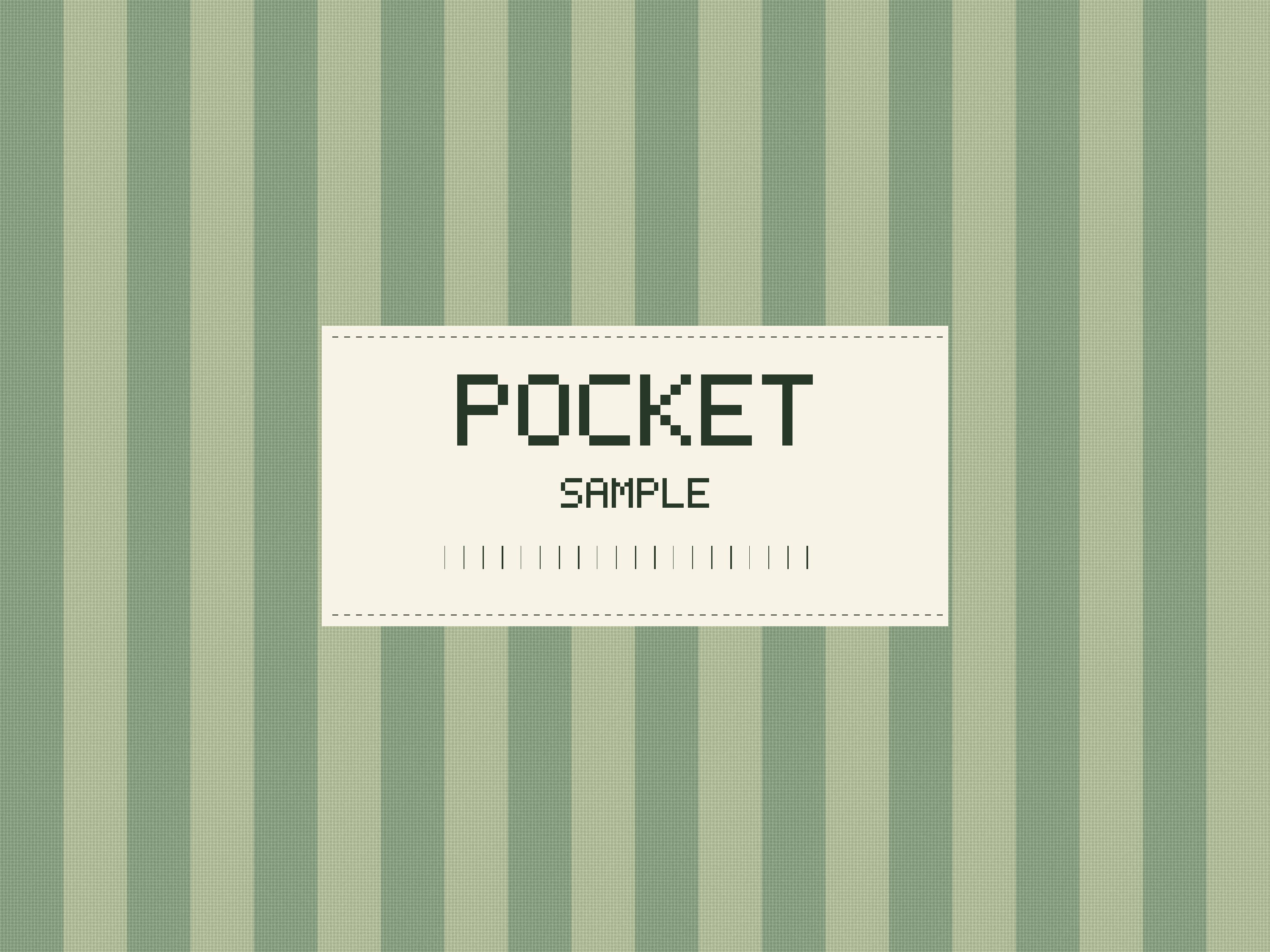
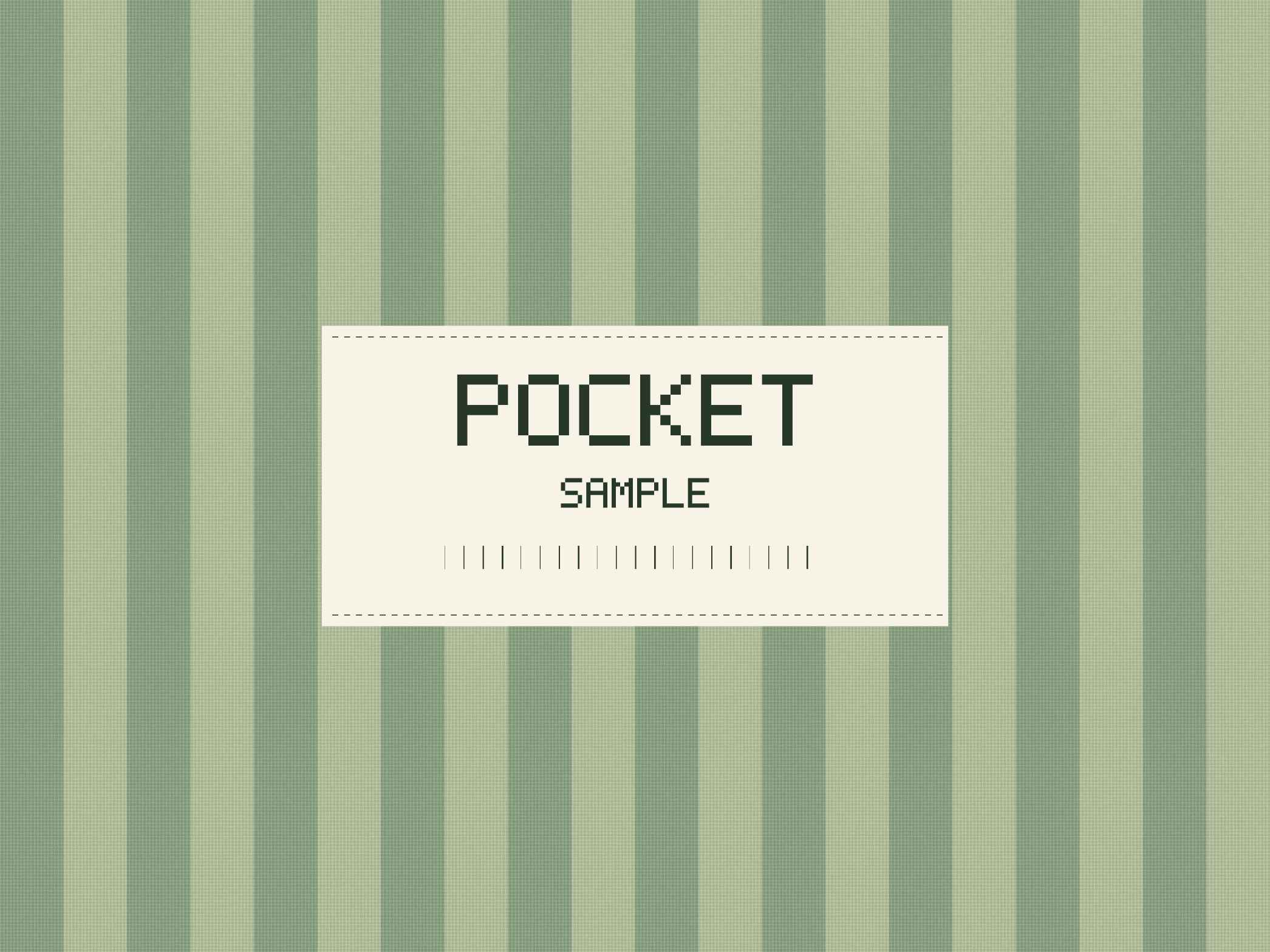
The previews are scaled to fit this page. Download the images and inspect them at 100% to compare detail. Results depend on the image and browser; retained dimensions do not mean lossless quality.
Reproduce this test
Download the original synthetic PNG (12.29 MB). Open the compressor, select JPEG, and try the three settings in the table. Leave maximum width blank. Only enable resizing for the last run. The over-target row is the tool’s best attempt in its 35–95% quality range; it is not a downloadable success.
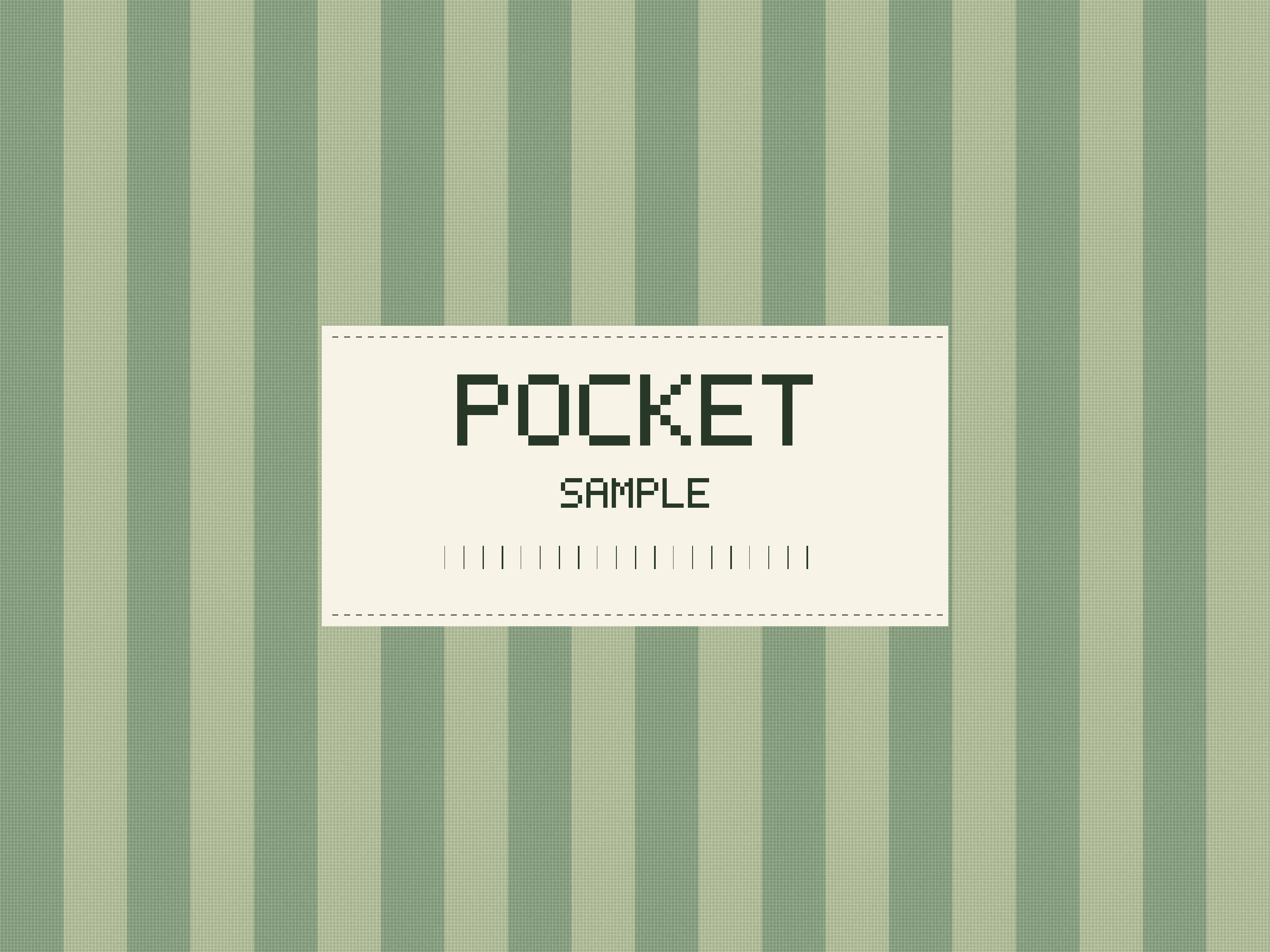
The chart was generated from original code with a fixed seed. Test data and file hashes are available for checking the downloadable files. No seller image or customer data was used.
A practical export workflow
- Start from your original. Check focus, product edges, texture, and small text before compressing. Repeatedly exporting a downloaded JPEG can lose more detail. Compression cannot recover a blurry source.
- Finish cropping first. Check the cropped width and height. For a 4:3 image to have a 2000-pixel short side, it needs a width of about 2667 pixels. Enlarging a smaller image does not restore missing detail; this compressor does not upscale.
- Open the free image compressor and select JPEG. Choose a JPG, PNG, or WebP source. Other formats need conversion in another editor first. Keep your original file.
- Preserve dimensions for your first attempt. Leave “Maximum width” blank and “Allow smaller dimensions if needed” unchecked. For a slow-upload test, you can try 1000 KB instead of the tool’s default 200 KB. If there is no byte limit to satisfy, “Choose quality manually” is also available.
- Check the export before accepting it. Compare small lettering and textured areas at 100%. If it loses important detail, use a higher target or manual quality and start again from the original. A green size result only verifies bytes.
- Preview the actual listing. Check the full photo and thumbnail on your phone and computer. Etsy provides thumbnail adjustments and crop previews; use them to check that important parts stay visible. Etsy’s photo-editing instructions.
Some softness can appear after upload because Etsy also compresses images. Check your local export first so you can distinguish a source/export problem from a platform preview. Etsy’s explanation.
Before you upload
- The original and exported files are saved separately.
- Both pixel dimensions still suit the listing after cropping or resizing.
- Fine text, edges, and product texture remain clear in the downloaded file.
- Colors and background look right; transparent areas have an intentional background.
- The thumbnail keeps the whole product visible where it matters.
- The listing uses the new export, and the upload finishes successfully.
Try it with one photo
Compress locally, check the actual dimensions and bytes, and download a new file. No account is required, and your photo stays on your device.
Open the image compressorPocket Tools does not crop, sharpen, or verify Etsy acceptance. Exports do not preserve original metadata or embedded color profiles. For another website’s strict byte limit, read our image upload guide.
Prepared with AI assistance and checked against the linked official documentation. Compression figures come from the browser test described above. This guide does not establish search ranking or sales results.